2023 was defined by two major trends: the meteoric rise of artificial intelligence, with tools like ChatGPT spreading at breakneck speed, and the surge of containerization, which has become a cornerstone of modern infrastructure. By setting new standards in application development, it standardizes practices and guarantees interoperability across all components of the IT system. Investing in cloud-native technologies is therefore no longer a nice-to-have but a must-have. Google illustrates this very well in this article on the importance of standardizing your tools.
And where does IBM i fit in? AUMERIAL has just released NTi, a cloud-native, self-contained and containerizable IBM i data provider for .NET. This article walks through the development and deployment of a .NET web application accessing IBM i, containerized in Docker on an ARM environment, with ChatGPT as a development assistant, not to replace the developer, but to illustrate the productivity gains this tool brings.
QED: AI, containers and IBM i.
The scenario
The goal is to develop a concert ticket booking web application in ASP.NET Blazor Server, on a DB2 for i database via NTi. The steps cover:
- Relational database design
- Data access layer (CRUD)
- Web interface development
- Containerization and deployment
This article is not a step-by-step tutorial, but demonstrates three points:
- A virtual assistant like ChatGPT brings real productivity gains in development
- Developing a .NET application on IBM i is as straightforward as with any other database
- NTi allows IBM i to integrate into modern development patterns
The target architecture is ARM, but without changing a single line of code, the application can run on POWER or x86.
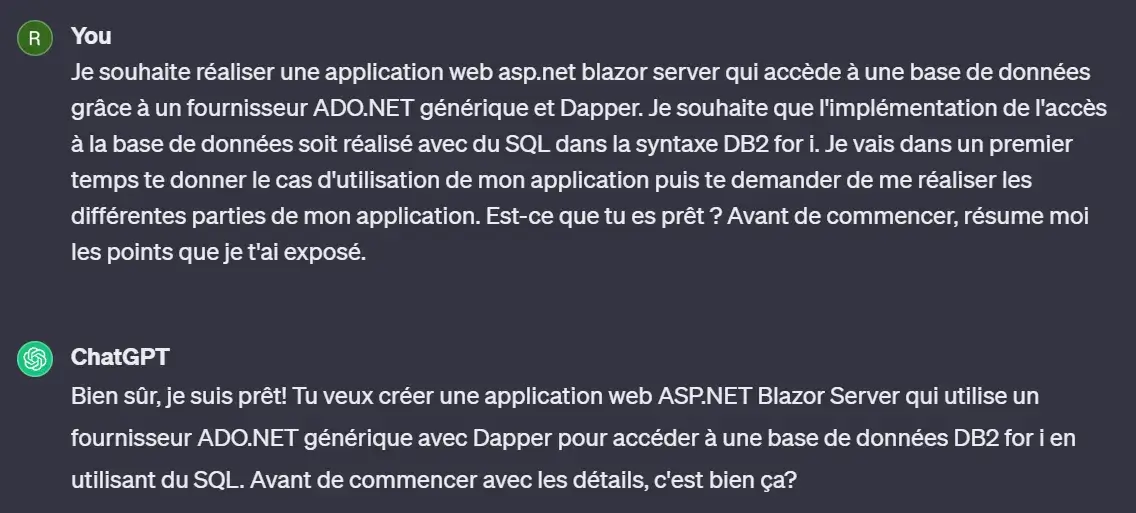
Briefing with ChatGPT
Briefing with ChatGPT
Then the use case is clearly laid out:
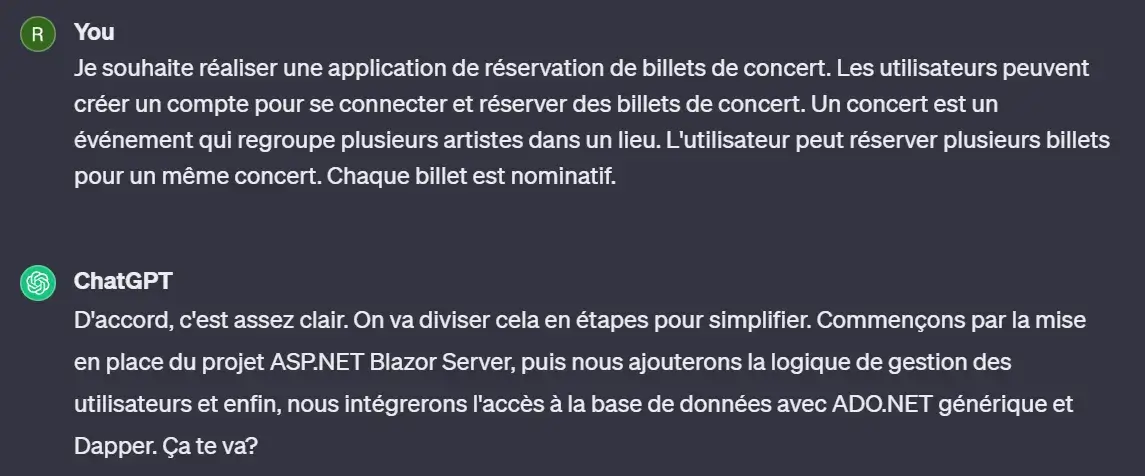
The briefing is done, time to get started!
Step 1 - Create the database
The first step is data modeling. ChatGPT proposes an initial entity-relationship model:
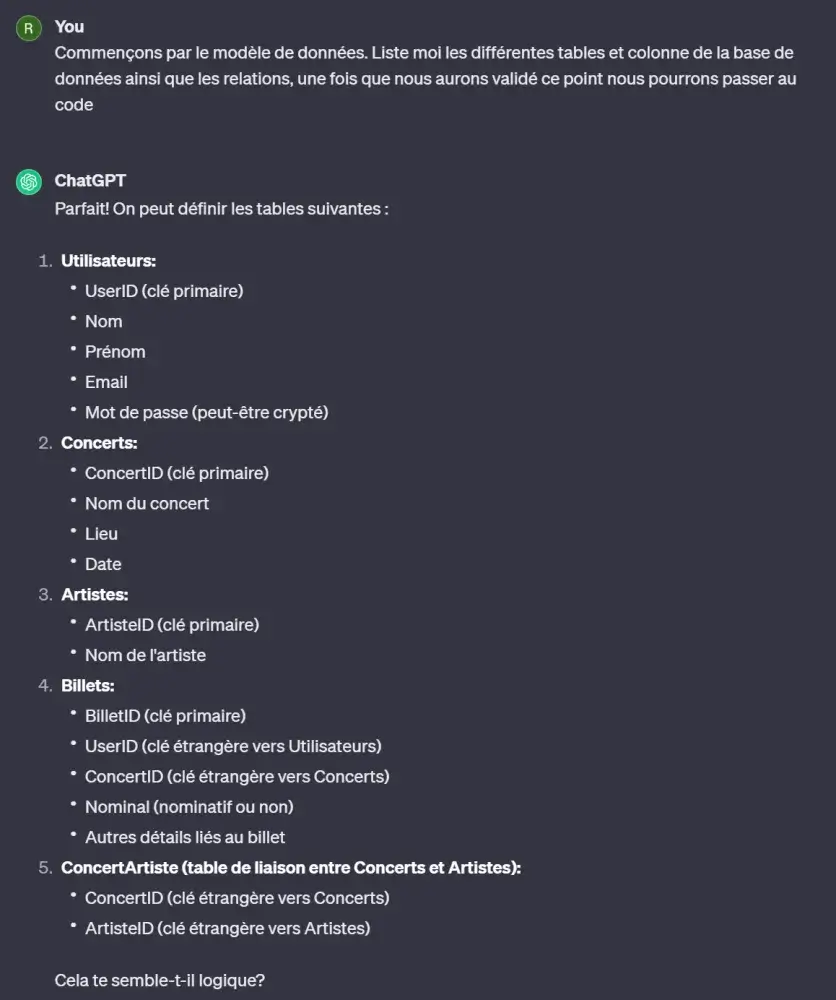
After review, a few points need correcting:
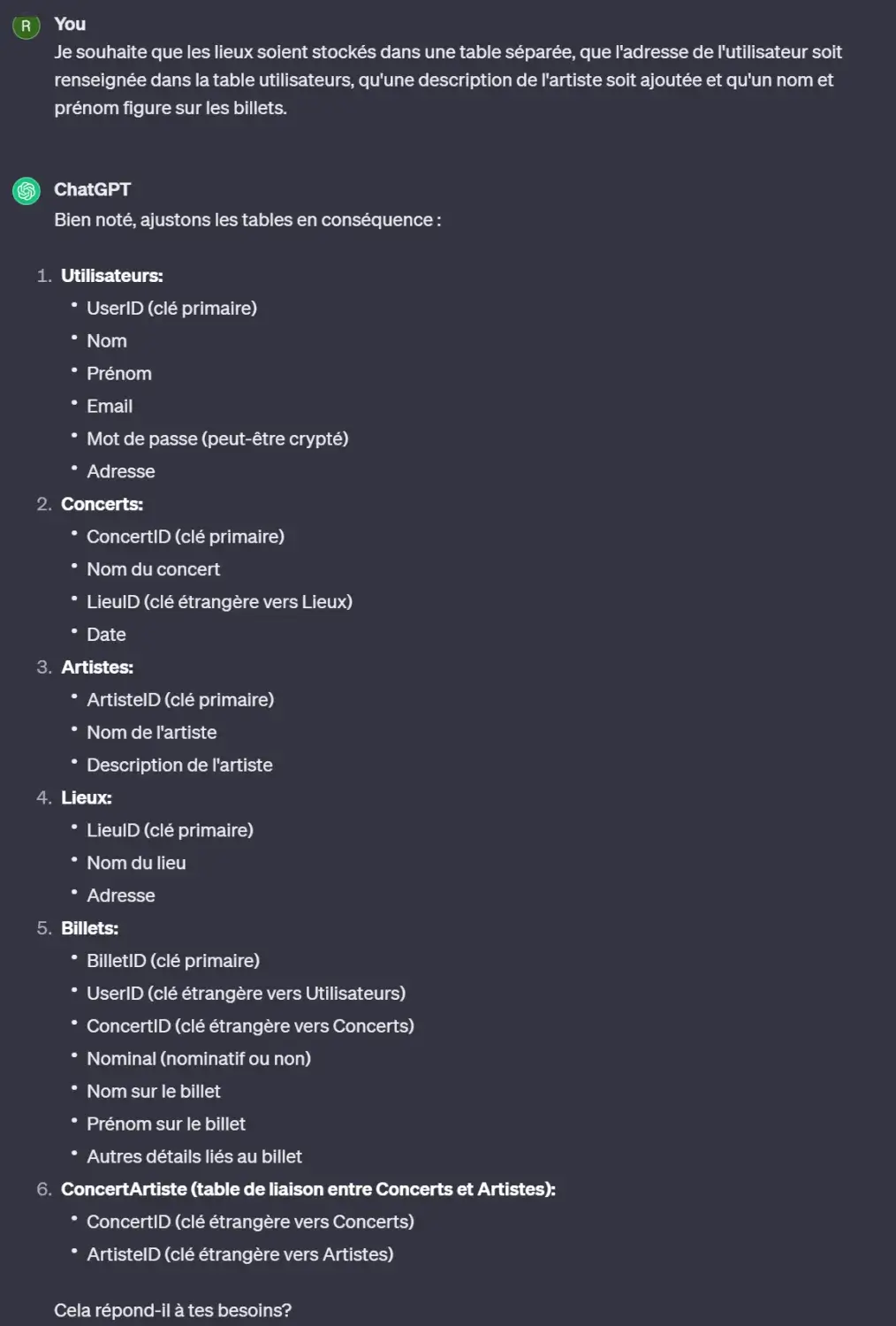
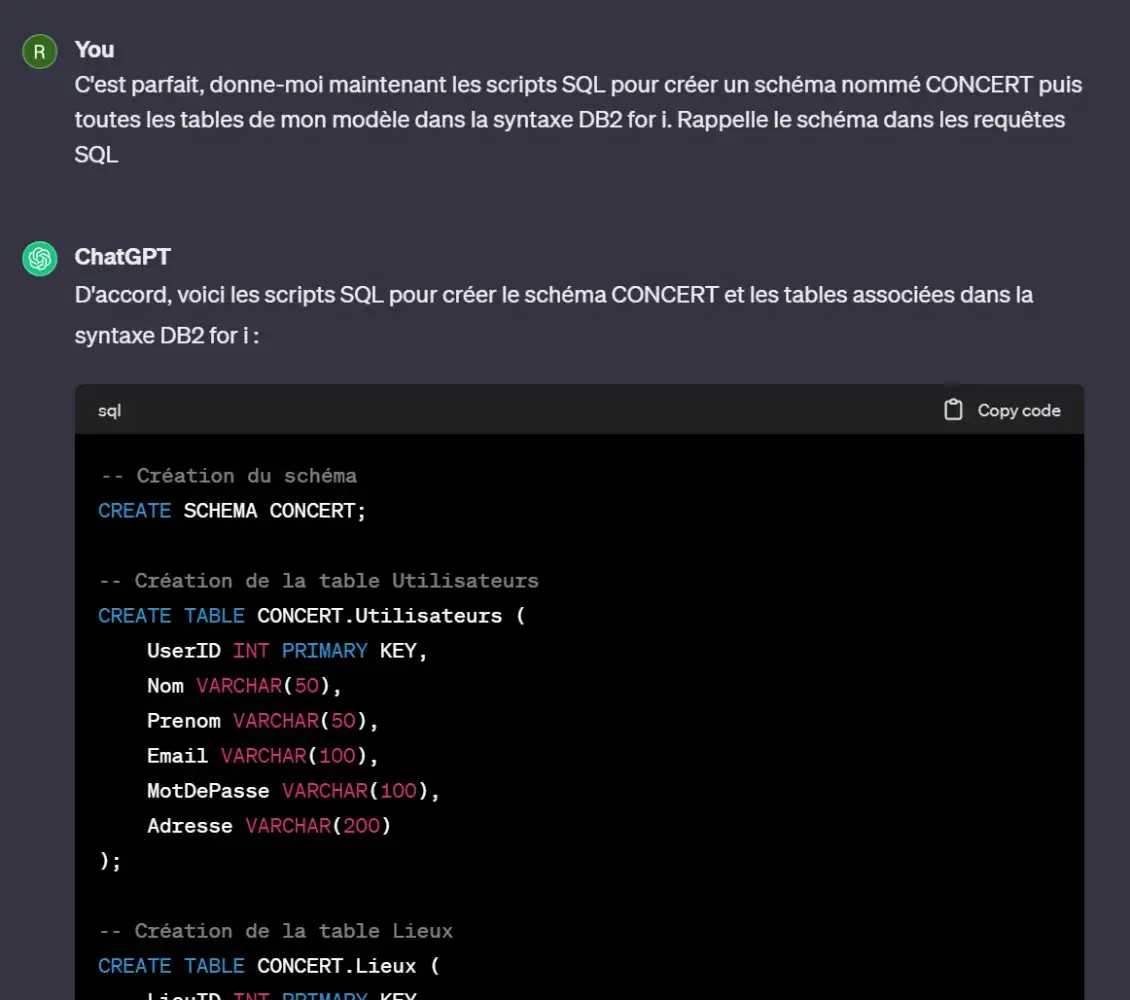
Once the model is validated, ChatGPT generates the SQL script:
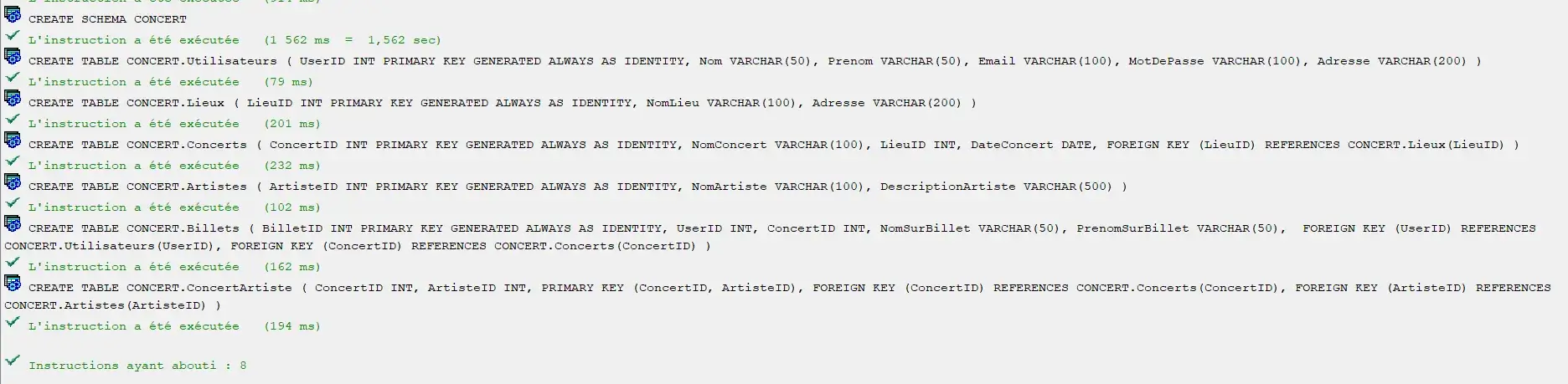
The script is run in ACS, everything is created without issue:
Step 2 - Create the application
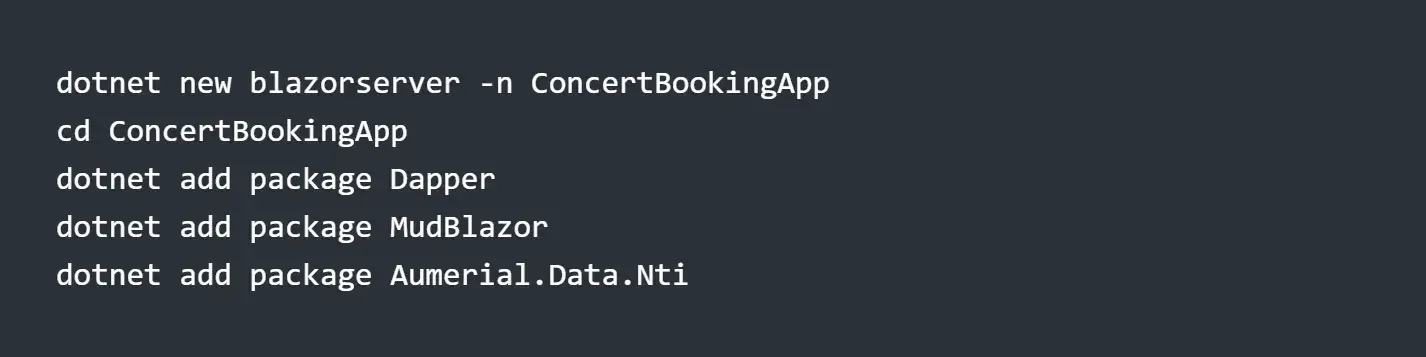
Create the project
The project is created from the command line with its dependencies:
dotnet new blazorserver -n ConcertBookingApp
cd ConcertBookingApp
dotnet add package Dapper
dotnet add package MudBlazor
dotnet add package Aumerial.Data.Nti- MudBlazor for building the interface
- Aumerial.Data.Nti and the Dapper ORM for DB2 for i access
Once the project is open in Visual Studio or VSCode, follow the MudBlazor installation steps.
Data access layer
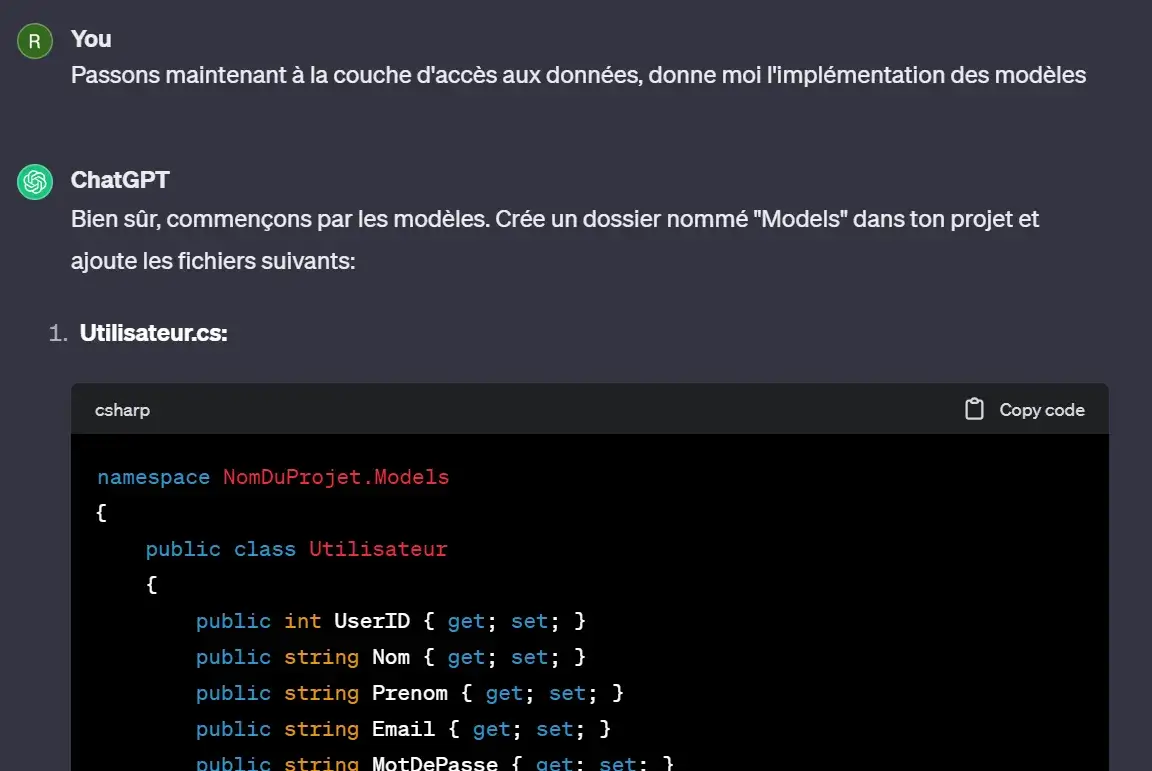
ChatGPT generates the C# models representing the entities:

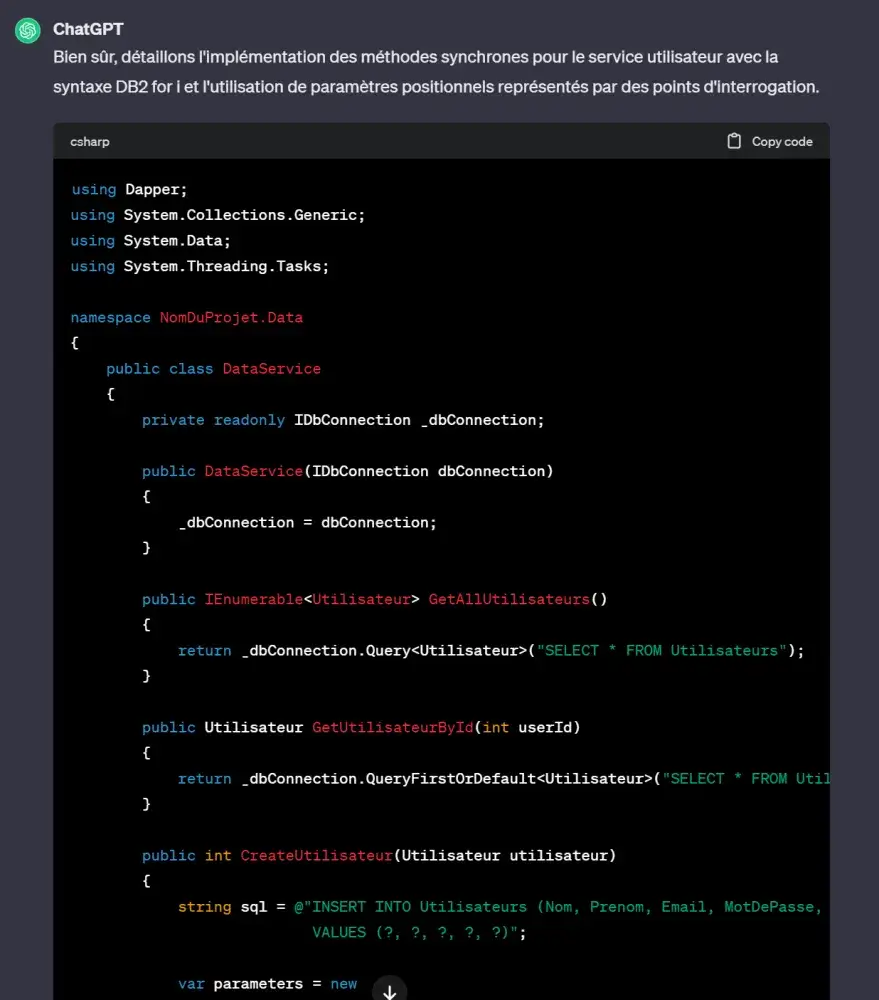
The approach is straightforward: classes represent entities, services implement the SQL. Since NTi exposes standard ADO.NET classes, ChatGPT produces an implementation based on these generic classes, using ? parameter markers to match the format expected by IBM i:
After review and a few adjustments, all data access services are in place, written in SQL, protected against SQL injection via parameters and prepared statements.
Queries are submitted directly to IBM i via NTi, with no ODBC or OLE-DB. The application is entirely agnostic to the target platform.
Modern interface with MudBlazor
The various pages of the application are built using the MudBlazor component library:
- Login / account creation page
- Home page displaying concerts and ticket booking
- Page displaying tickets booked by the user
- User profile management page
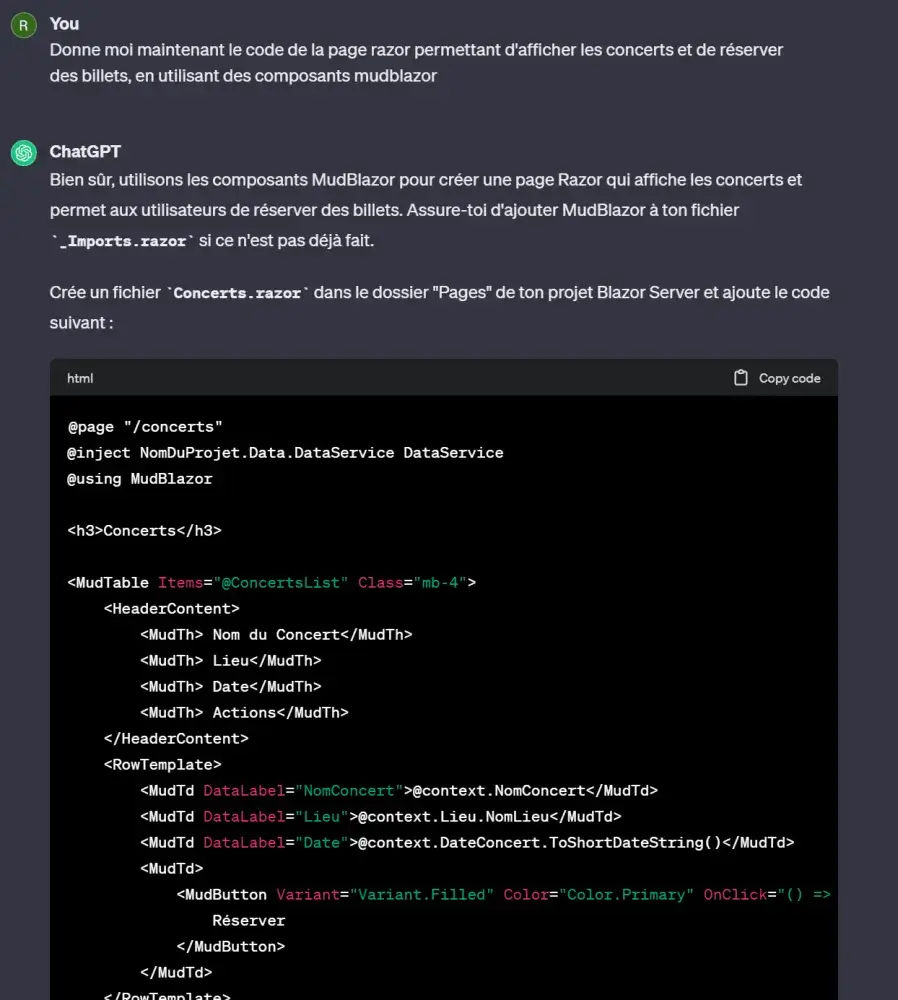
ChatGPT is used to generate the code for each page. For example, for the concert display and booking page:
The generated code does most of the heavy lifting, a few adjustments are still needed, but the structure is there:
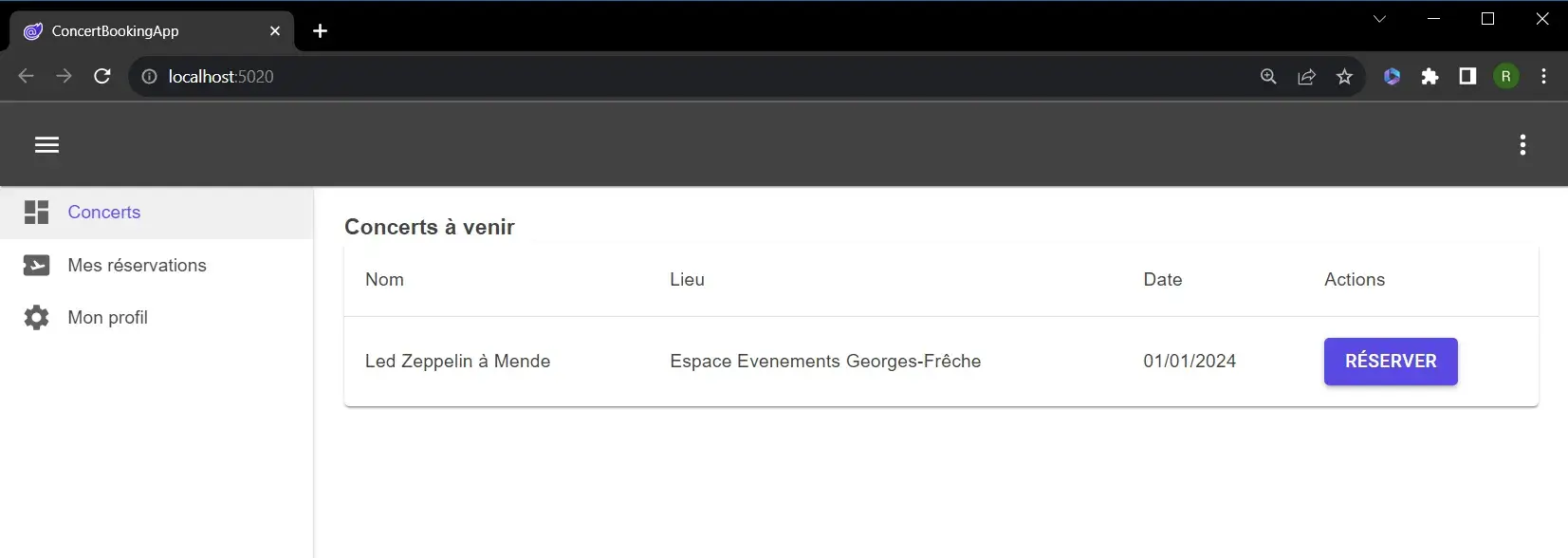
Data is flowing through correctly from the DB2 for i relational database:
Once all pages are developed following this approach, the application is ready to be published in any environment supporting Docker or equipped with a container orchestrator (OpenShift, Kubernetes...).
Step 3 - Create the Docker image
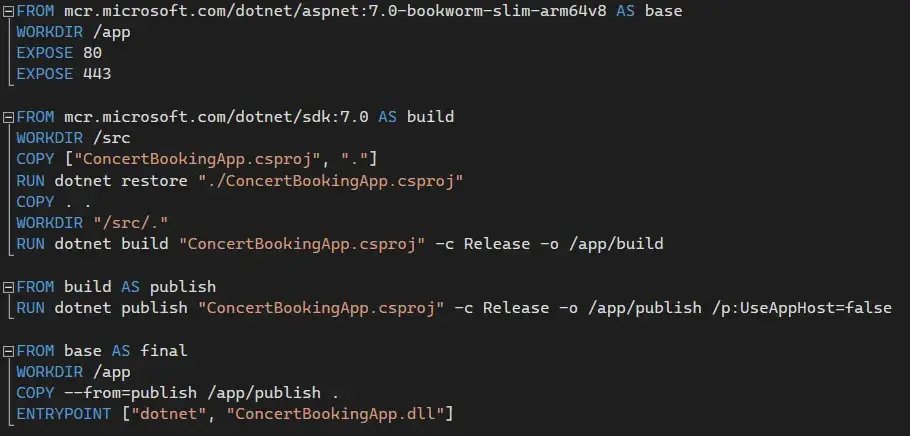
The application is published as a Docker image from Visual Studio. The Dockerfile is automatically generated:
FROM mcr.microsoft.com/dotnet/aspnet:7.0-bookworm-slim-arm64v8 AS base
WORKDIR /app
EXPOSE 80
EXPOSE 443

FROM mcr.microsoft.com/dotnet/sdk:7.0 AS build
WORKDIR /src
COPY ["ConcertBookingApp.csproj", "."]
RUN dotnet restore "./ConcertBookingApp.csproj"
COPY . .
WORKDIR "/src/."
RUN dotnet build "ConcertBookingApp.csproj" -c Release -o /app/build

FROM build AS publish
RUN dotnet publish "ConcertBookingApp.csproj" -c Release -o /app/publish /p:UseAppHost=false

FROM base AS final
WORKDIR /app
COPY --from=publish /app/publish .
ENTRYPOINT ["dotnet", "ConcertBookingApp.dll"]
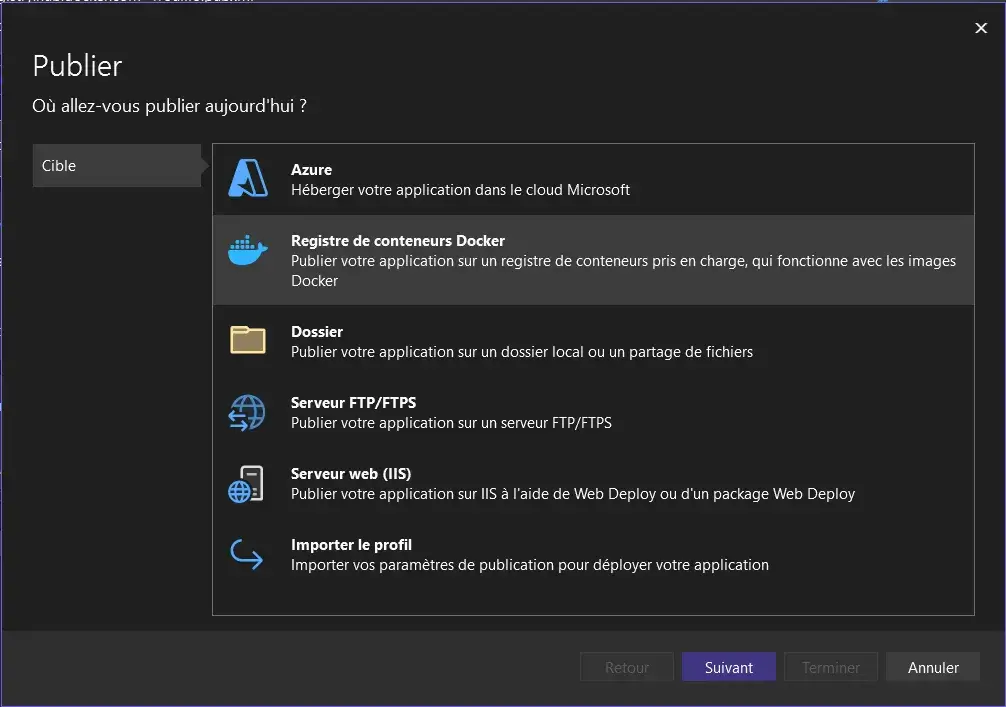
Visual Studio then guides through the publication steps:
The image is pushed to Docker Hub:

Step 4 - Deploy on Raspberry Pi
The image is pulled and run on an ARM Raspberry Pi, with no dependency other than Docker:
docker run -it --rm -p 5000:80 --name ConcertApp rrouillo/concertbookingappThis command runs the concertbookingapp image from the rrouillo repository in a container named ConcertApp, exposing port 5000.
The application starts and is accessible from a browser:
And the app is up and running:

Conclusion
Through this article, you will have understood that a virtual assistant like ChatGPT can be a valuable asset in application development, in this case bridging .NET and IBM i.
We also saw that with the NTi solution built by AUMERIAL, approaching IBM i from .NET is anything but complex. The syntax is identical to that of every other database provider, and you can work with IBM i without ever touching a green screen.
Where NTi sets itself apart from other solutions is in its full integration with .NET: regardless of the target architecture, your application communicates with IBM i. This is a key point for running .NET/IBM i workloads outside of Windows VMs, with real cost savings and a genuinely modern infrastructure.
Finally, whether in developing the application or publishing it, everything is straightforward, efficient and precise. Any developer can master these concepts and build high-performance, fully modern business applications.
Rémi ROUILLOT


