Working with the IBM i ecosystem, and in particular spool file management (or print queue files), can often prove complex, especially when looking to integrate them into modern applications. Historically, this integration requires in-depth knowledge of IBM i system APIs, limiting access to a niche of specialized developers.
With NTi Toolbox, it is now possible to streamline and automate spool file management directly from a .NET environment in just a few lines, thanks to the NTiSpooledFile object and the ListSpooledFiles() and GetSpooledFileData() methods, which abstract away the complexity of the underlying API calls.
Installation
NTi Toolbox is installed via NuGet:
dotnet add package Aumerial.ToolboxThen import the namespace:
using Aumerial.Toolbox;Step 1 - Open the connection
The DBConnectionService service manages the connection to IBM i and initializes NTiConnection:
public class SpoolFilesService
{
    private readonly NTiConnection _conn;

    public SpoolFilesService(DbConnectionService dbConnection)
    {
        _conn = dbConnection.conn;
    }
}
Step 2 - List and filter spool files
The ListSpooledFiles() method is designed to simplify spool file listing based on specific criteria: output queue, user, form type and user data:
public List ListAndFilterSpooledFiles(
    string filterOutqueue,
    string filterUser,
    string filterFormType,
    string filterUserData)
{
    _conn.Open();
    var spooledFiles = _conn.ListSpooledFiles(filterOutqueue, filterUser, filterFormType, filterUserData);
    _conn.Close();
    return spooledFiles;
}
Step 3 - Retrieve and download a spool file
For each identified spool file, data can be extracted using GetSpooledFileData(), which interacts directly with the NTiSpooledFile object:
public byte[] DownloadSpooledFile(NTiSpooledFile file)
{
    try
    {
        _conn.Open();
        return _conn.GetSpooledFileData(file);
    }
    catch (Exception ex)
    {
        Console.WriteLine($"Error : {ex.Message}");
        return null;
    }
    finally
    {
        if (_conn.State == ConnectionState.Open)
        {
            _conn.Close();
        }
    }
}
Step 4 - API controller
The controller exposes the listing and download features to any web interface. For downloads, an object containing the metadata is passed as a parameter to identify the file to retrieve:
[HttpPost("downloadFile")]
public IActionResult DownloadFile([FromBody] NTiSpooledFile file)
{
    try
    {
        var data = _spoolFilesService.DownloadSpooledFile(file);
        if (data == null || data.Length == 0)
        {
            return NotFound("File not found.");
        }

        return File(data, "application/octet-stream", $"{file.FileName}.afp");
    }

    catch (Exception ex)
    {
        return StatusCode(500, $"Error : {ex.Message}");
    }
}
Viewing with AFP Workbench Viewer
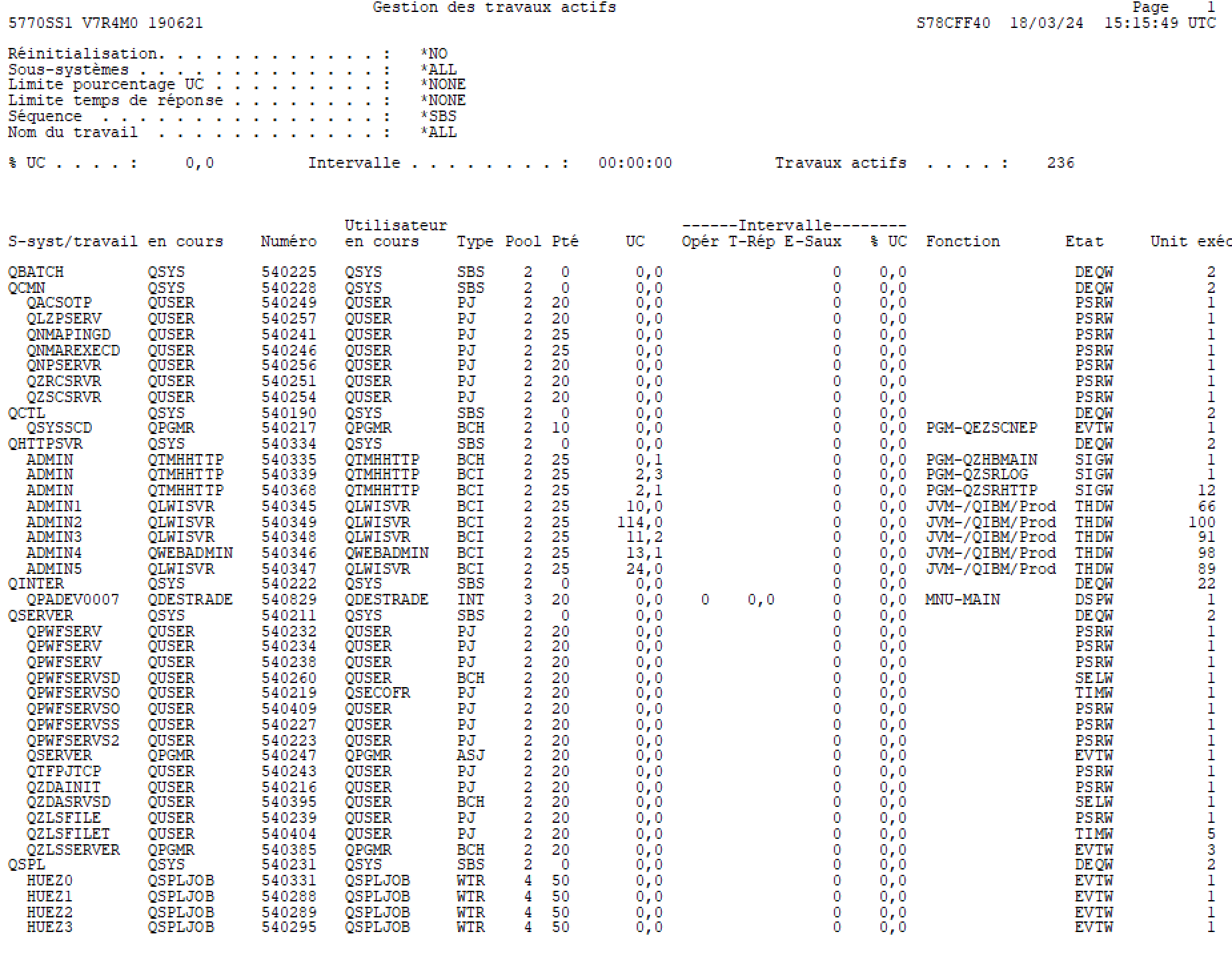
Once the spool file is downloaded, it can be viewed with AFP Workbench Viewer for Windows, available for free:
Conclusion
With NTi Toolbox, building custom spool file management solutions on IBM i becomes not only faster but also simpler. In just a few lines of C#, an efficient and easily adaptable solution can be put in place, with no system API expertise required and no added technical complexity.
Quentin Destrade


