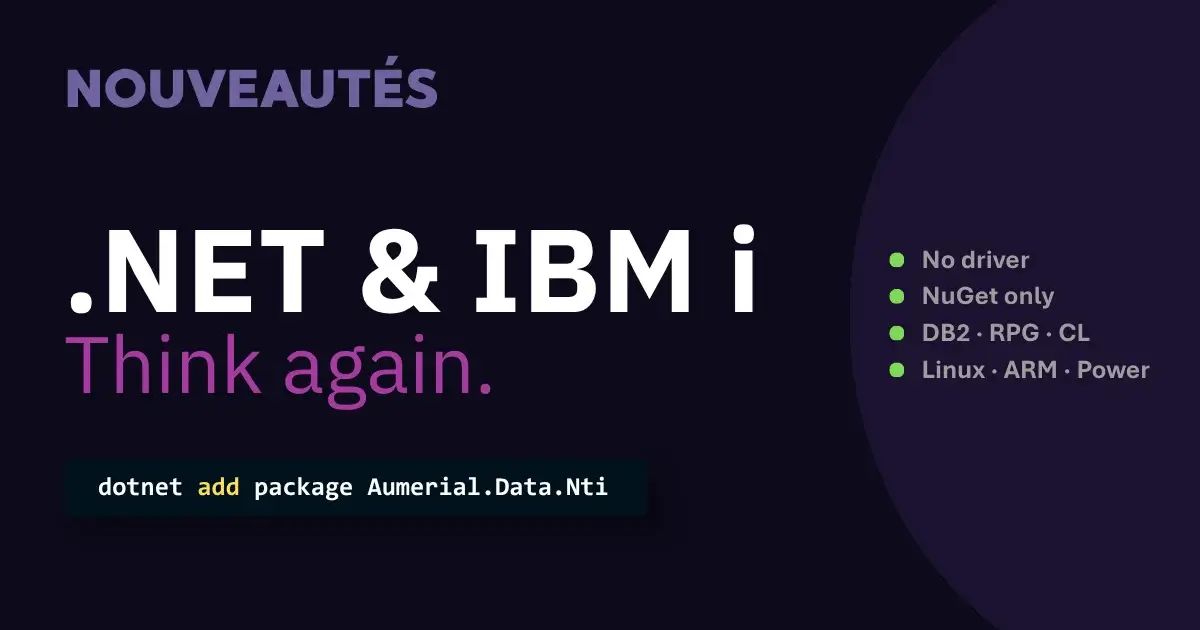
Debunking the myths
The reputation of a complex integration between .NET and IBM i mainly stems from an outdated view of both platforms.
On one side, IBM i suffers from the image of a closed, aging system, often reduced to the famous "green screens" and the RPG language. Yet the platform is still active, continuously modernized, and today fully capable of hosting modern open source environments such as Node.js or Python.
On the other side, .NET is still wrongly associated with a strictly Microsoft ecosystem, locked to Windows. That era is long gone: .NET is now open source and cross-platform, running equally well on Linux, macOS and Windows, and compatible with hardware architectures such as ARM, Power and Intel.
The idea that combining these two technologies requires heavy technical layers and complex providers continues to fuel this skepticism. Solutions like NTi change the game entirely. No more complex gateways and stacked technical layers: the connection between the .NET ecosystem and the AS/400 becomes direct, fast and natural. An approach that shifts the perspective and gives teams back control over their technical choices, with no disruption or relearning required.
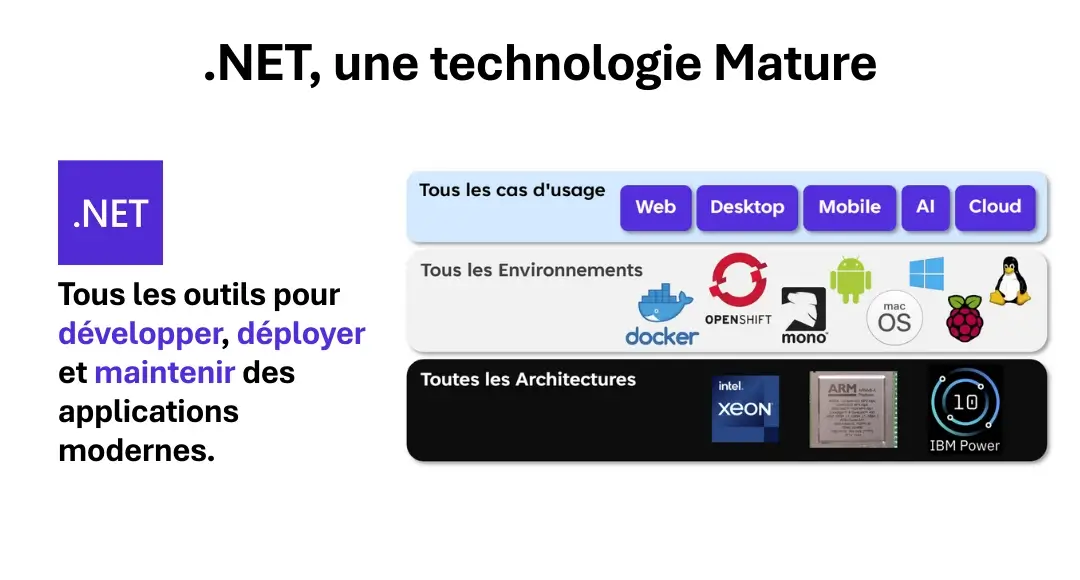
Add NTi to your project in a few clicks
Think of .NET as a modular construction platform: a development framework designed to build all types of applications - web, desktop, mobile, cloud - on a solid, consistent foundation. C# is your primary tool, and everything that makes up an application, from business features to technical foundations, is available as ready-to-use modules.
You will find functional building blocks such as Entity Framework Core for database management, connectors like services and middlewares to organize internal interactions, and structural components like the .NET runtime itself, which handles execution of the whole. Everything is available, standardized and modular.
And within this ecosystem, NuGet acts as the central catalog. A space where developers can retrieve, in one click, the components they need: libraries, tools, extensions... including NTi. The benefit? No executable to run, no configuration to set up, nothing to install at the system level: the component integrates directly into the project, immediately ready to use.
And this is precisely where NTi draws a sharp line from traditional IBM i connectors. Where most require driver installation, Windows services, configuration files or server-side dependencies, NTi is a self-contained, self-sufficient, fully integrated .NET component. It is added to the project like any other standard NuGet dependency, and relies solely on your .NET project, and nothing else. No installation wizard, no obscure prerequisites, and nothing to copy or install on the AS/400 side.
In two clicks, NTi becomes a native building block of your application, embedded in your development environment, ready to communicate with your IBM i.
Direct and complete access to IBM i resources from .NET
Once integrated into the project, NTi becomes a full-fledged .NET reference, accessible simply via using Aumerial.Data.Nti in C#, or Imports Aumerial.Data.Nti in VB .NET. It is used just like any native .NET framework component.
Think of it as a perfectly standard power outlet. You plug in what you need, the power flows, immediately. No transformer, no extension cord, no adapter: everything is already in the right format.
Behind this apparent simplicity, the full power of your IBM i (AS/400) opens up to the .NET ecosystem. DB2 data, RPG programs, CL commands, message queues, data queues, system APIs... everything is accessible from .NET, directly, in a strongly typed way and perfectly integrated into your development environment.
In practice, everything accessible from a 5250 green screen can be handled in C#, with the same depth, but in a modern, readable, object-oriented language better suited to current development practices.
This simple NuGet package reference therefore becomes a complete abstraction of your system: a native connection, with no intermediate layer, placing all your .NET applications on the same level as the traditional tools of your IBM i.
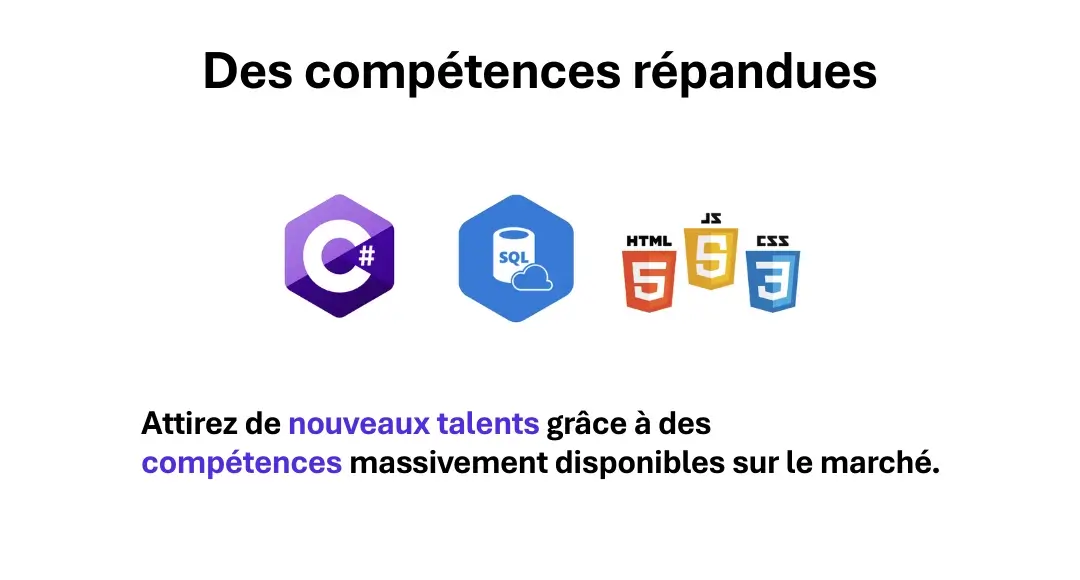
And above all: no specific learning curve is required. A developer proficient in C# or VB can start controlling an IBM i straight away. Even a Java or C++ developer will find their footing quickly: everything is designed to stay true to modern development standards.
One DLL, every environment
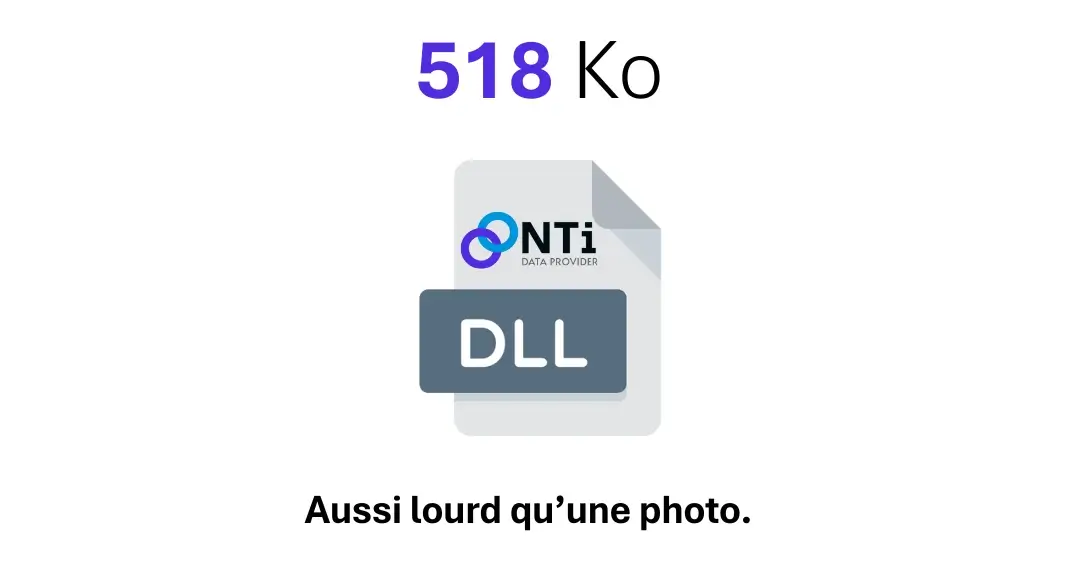
NTi weighs just 518 KB (kilobytes) in its latest version. Not a megabyte. Not two. Less than half of one. Yes, you read that right, barely heavier than a photo you took with your phone and forgot in your Pictures folder. And yet, it is enough to control an entire IBM i system from any .NET application.
Despite this compact size, our provider runs on every environment supported by .NET: Docker, OpenShift, Mono, Android, macOS, Linux, Windows, Raspberry Pi. Never heard of half of them? No problem: just remember it runs everywhere. And on all common architectures: Intel, ARM and POWER.
NTi is compatible with all versions of .NET from 5.0 onwards, and works seamlessly with IBM i from V5R4. Yes, even on a V4, it runs. Not recommended, but it has been done.
It includes no third-party solution, no intermediate layer. No cache, no temporary copy: calls flow in real time, directly between your .NET application and your IBM i. You code, you run, it responds, and that is all there is to it.
Better still, your .NET environment and your IBM i remain independent. Each can evolve without impacting the other. Freedom gained, consistency preserved.
Linux / IBM i on POWER: everything you have, better used
At this point, nothing stops you from leaving your green screens behind entirely... or keeping them if you prefer. NTi lets both worlds coexist without any friction. You can have the oldest RPG program collaborate with modern C#, within a single, unified application logic.
But the ideal scenario remains a partitioned IBM Power machine, with your IBM i environment on one side, its database, its programs, its history, and a Linux partition dedicated to your .NET applications on the other. Deploy your C# developments directly, or your Docker containers, the choice is yours.
The advantage is that adding a Linux partition to an underused Power costs nothing. You make full use of your existing infrastructure while benefiting from modern, portable and sustainable technologies.
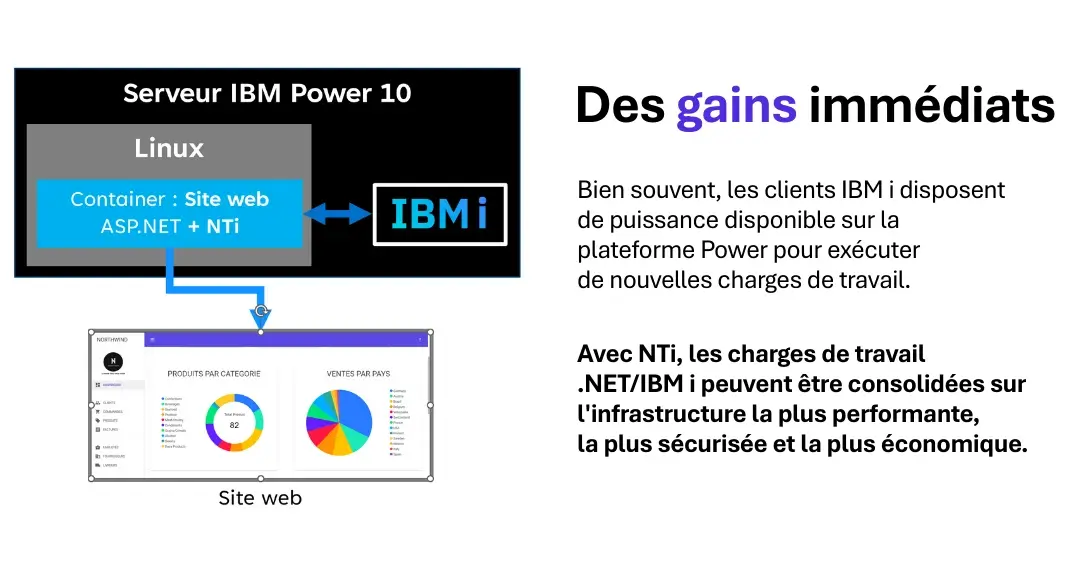
NTi simply adds to what you already have. Nothing to change, nothing to relearn
You keep what works, while opening your system to new use cases. NTi lets you evolve your platform gradually, and positions your business applications on a modern, sustainable roadmap.
A free trial is also available here. Take the time to see for yourself, with your own tools, on your own terms.
Want to schedule a demo, ask a specific question, or submit a particular use case? We are here to hear from you.
Modernize your IBM i access has surely never been this straightforward. So there is no better time to start than now.
Going further: modernize your IBM i IT system with AUMERIAL + FokkerNetwork
Do you have a business application developed on AS/400, iSeries or IBM i? Does it meet your needs but require further development? Are you anticipating a skills shortage on this platform, or simply looking to plan ahead with greater confidence for the long term? Look no further.
AUMERIAL & FokkerNetwork combine their expertise to offer you a comprehensive, coherent solution tailored to your challenges.
Secure what you have, maximize the value of your application assets, and gradually move towards current market standards with .NET, while retaining all the benefits of the IBM i platform.
Our approach rests on three pillars:*
- Maximum reuse of your existing developments, for an optimized ROI.
- Tailored maintenance and support, delivered by a team of IBM i and .NET specialists, ideal if your team no longer has RPG or CL expertise, if you want to refocus on your core business, or evolve without rewriting everything.
- Progressive, disruption-free modernization, using standardized and sustainable technologies from the .NET ecosystem.
IBM i + .NET: modernization made simple and secure.
Quentin Destrade


