Find a command
Simply describe what you need in natural language: synonyms take care of finding the command or commands you want.
QUSLOBJQCDRCMDI
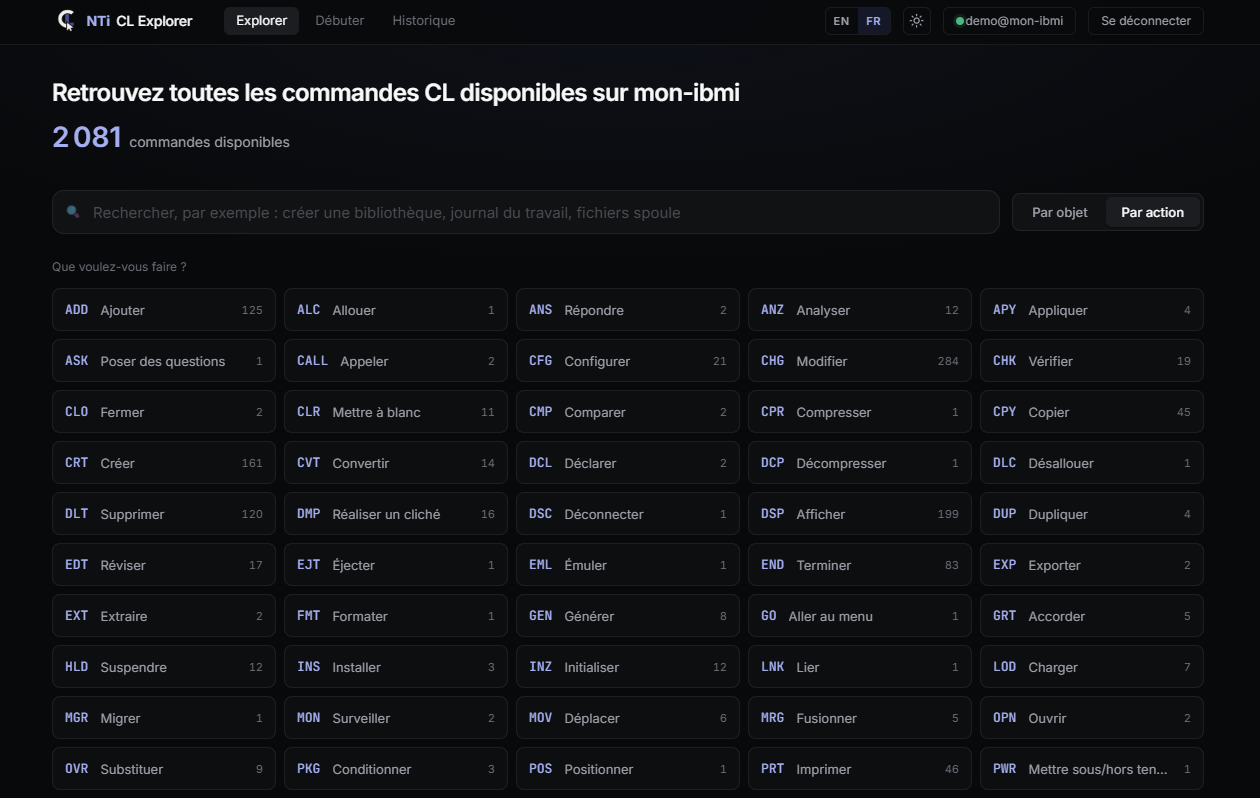
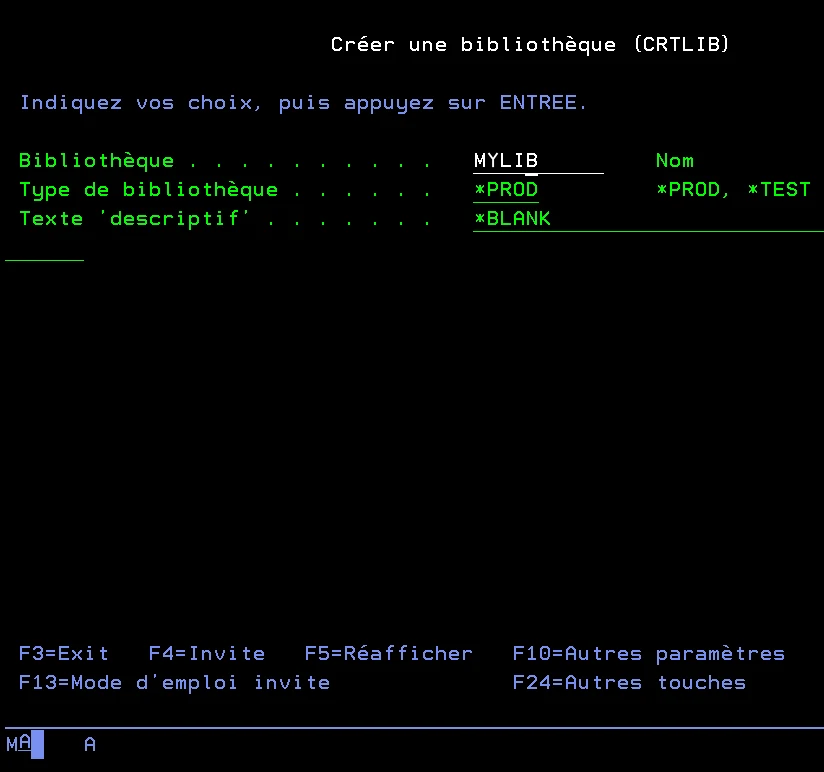
NTi CL Explorer is a .NET 10 (Blazor) web application that brings the 5250 F4 prompt to the browser: search for a command, build it, validate it, then run it or export it as C#. Everything goes through IBM i system APIs, called directly by the NTi provider.
How it works
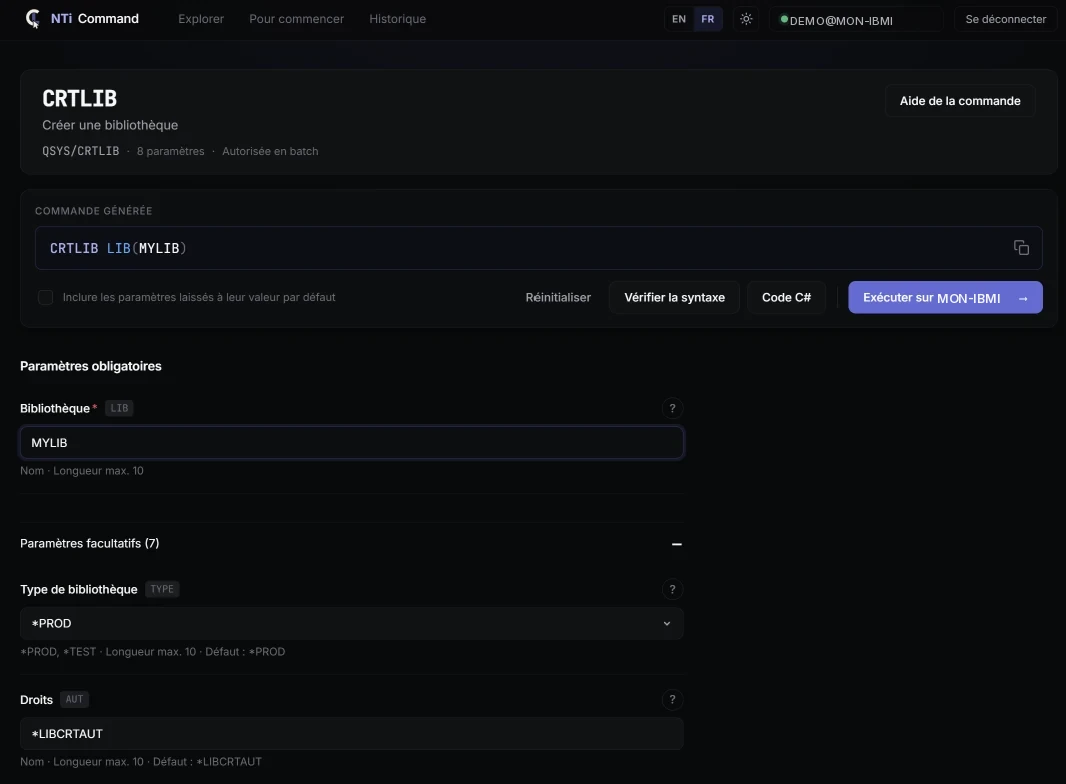
Each command form is generated dynamically from the information returned by your IBM i. Everything is one click away, with no menus to browse and no screen to open: a handy tool, always within reach.
Simply describe what you need in natural language: synonyms take care of finding the command or commands you want.
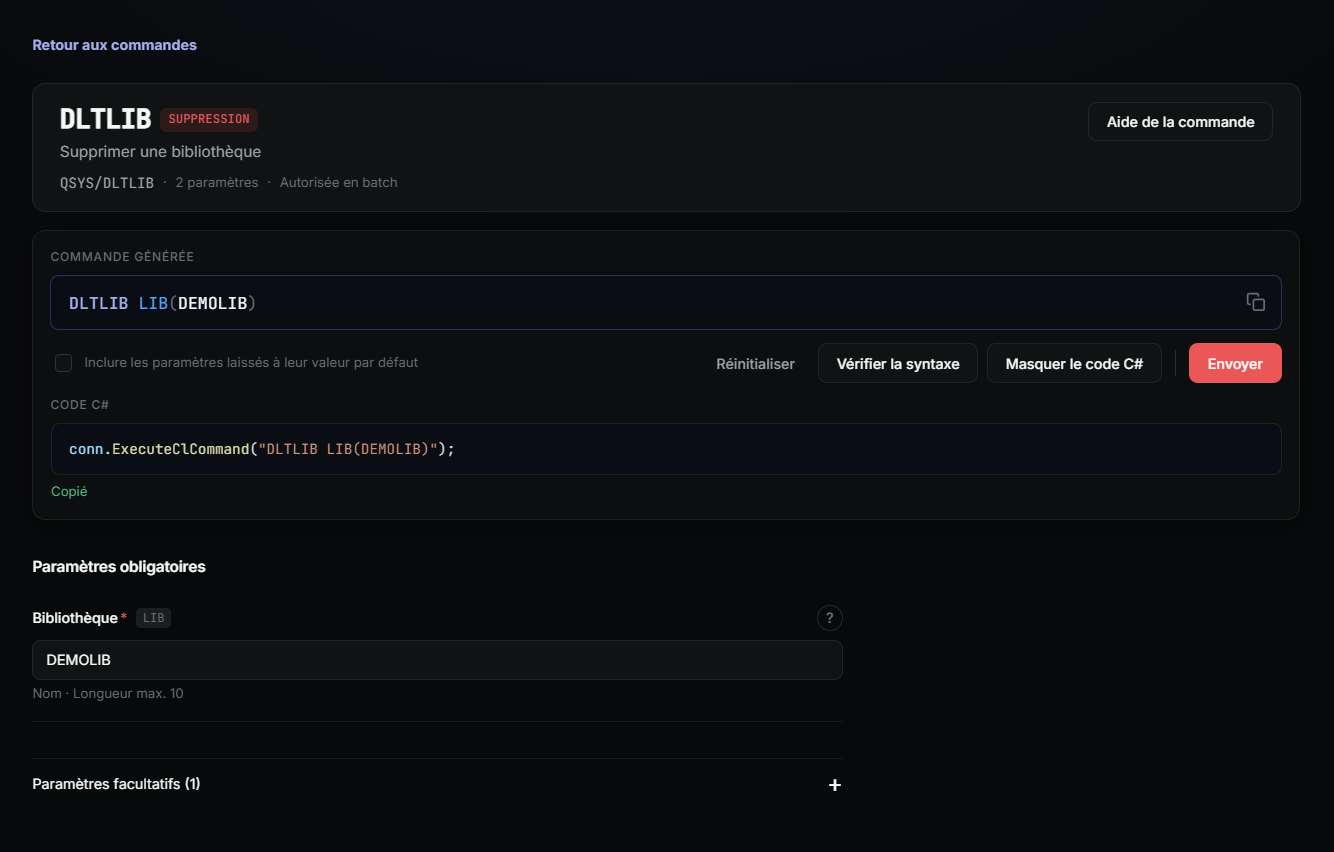
The form is built from the command definition: required parameters first, default values, dependencies between parameters. The CL line is built live.
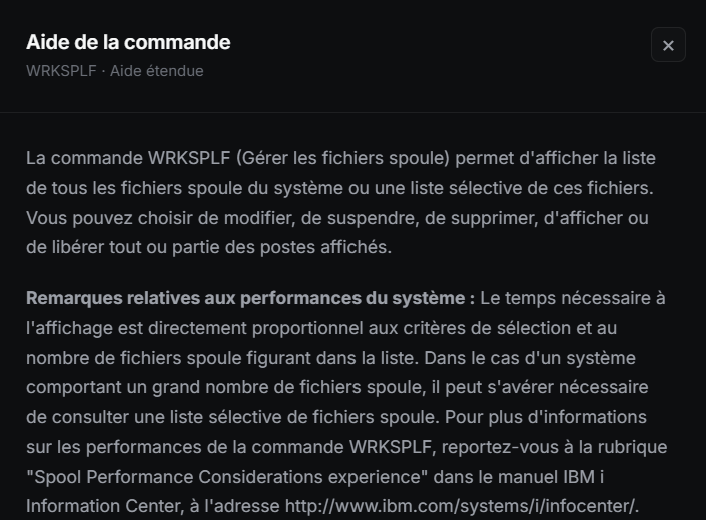
Help for the whole command or for each parameter, right in the form. The texts come from the IBM i itself, in the job’s language.
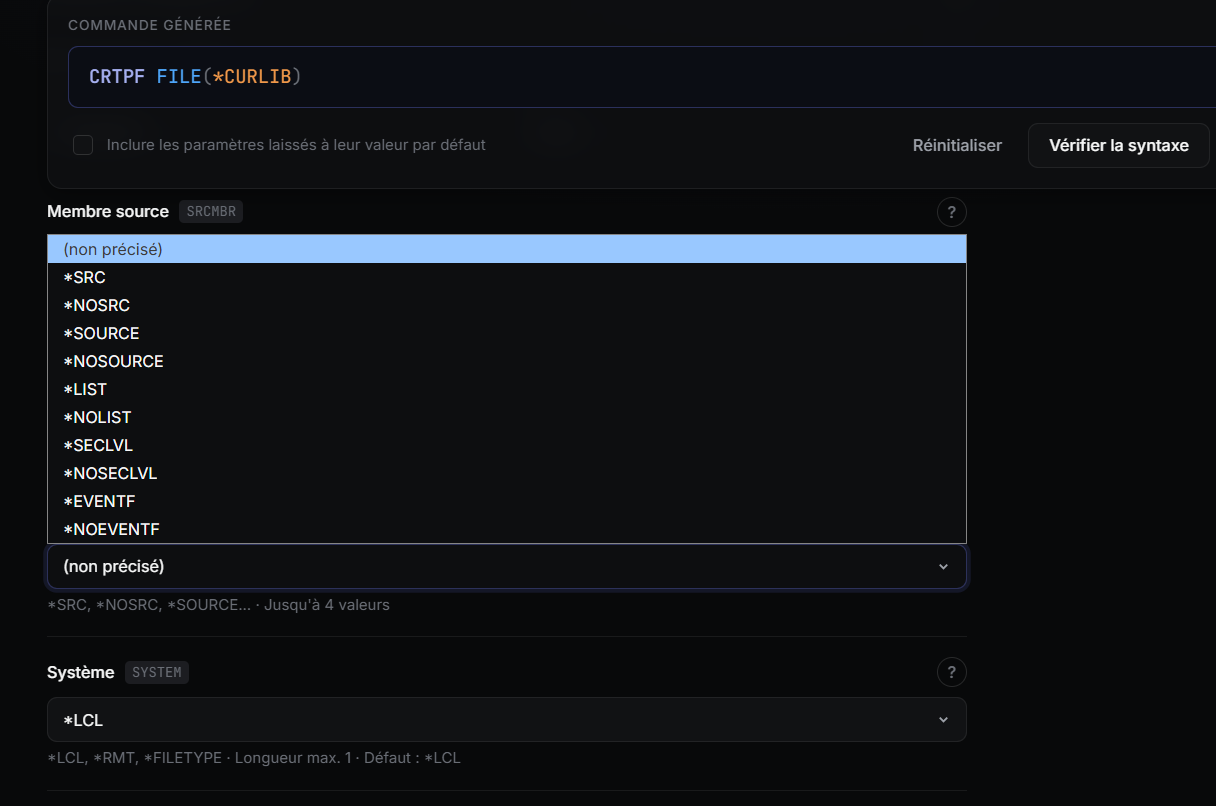
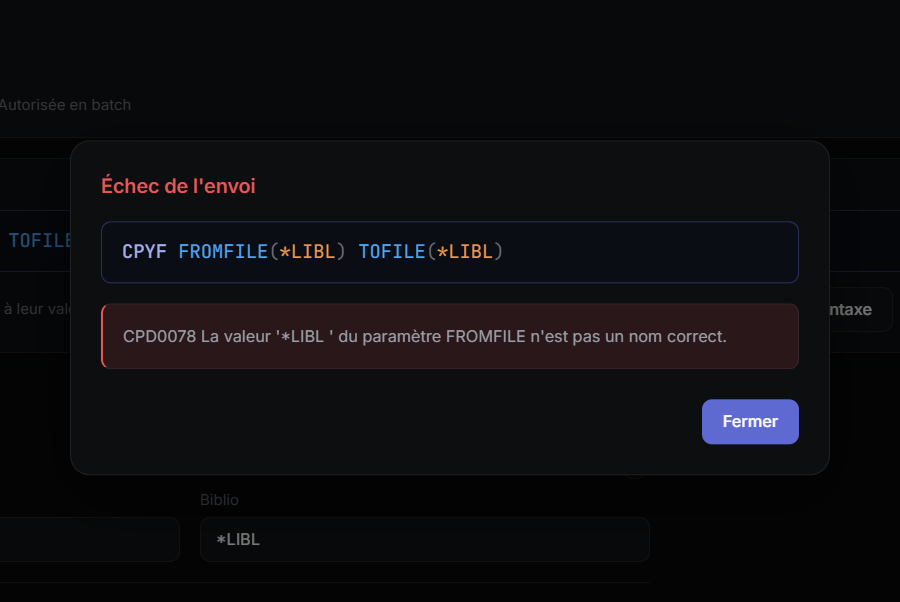
The command syntax is checked by the system without running anything. If it is rejected, you get the error message returned by the IBM i.
A ready-to-paste ExecuteClCommand call for your project, always in sync with the command shown.
Getting started
One command, and the application is ready in under 10 seconds.
Docker downloads and starts everything for you. There is nothing to install or configure.
Before you start
Free, to get from the Aumerial portal and install on your IBM i. After that, the application can no longer connect to it.
*DATABASE, *RMTCMD and *SIGNON must be started on the IBM i.
The machine running the application must reach the IBM i on ports 8471, 8475 and 8476 (9471, 9475 and 9476 with SSL/TLS).
Copy the command, paste it, and you are done.
Install and start Docker Desktop.
Copy this command, then paste it into a terminal (PowerShell on Windows, Terminal on macOS or Linux).
docker run -p 127.0.0.1:8080:8080 -v nticlexplorer-data:/app/App_Data aumerial/nticlexplorer-v creates a volume that keeps your connections and history between runs.
Open http://localhost:8080 and sign in with the IBM i address, a profile and its password.
Docker downloads the image on first run. Press Ctrl+C to stop the command.
The image is available for Intel and AMD processors (amd64) as well as ARM processors (arm64), so it runs on PCs, servers and Macs.
For developers who want to read, modify or extend the code. The .NET 10 SDK and Git are required.
Clone the repository.
git clone https://github.com/Aumerial/NTiCLExplorer.git
cd NTiCLExplorerRun the application.
dotnet run --project NTiCLExplorerOpen http://localhost:5122, or the address shown in the console, and sign in.
Warning
This tool is intended for evaluation and is not a finished product. It runs real CL commands on the connected partition, some of which can delete or modify data. Use it only on a test partition, preferably with an IBM i profile with limited authorities. The source code is published under the MIT license.
The code
To NTi, a system API is a program like any other. Typed parameters, one call, and the IBM i answers.
// Checks the syntax without runningvar parameters = new List<NTiProgramParameter>{ new(commandText, commandText.Length), new(commandText.Length, 15, 5)}; conn.CallProgram("QSYS", "QCMDCHK", parameters);
Development time
The developer kit used to build NTi CL Explorer